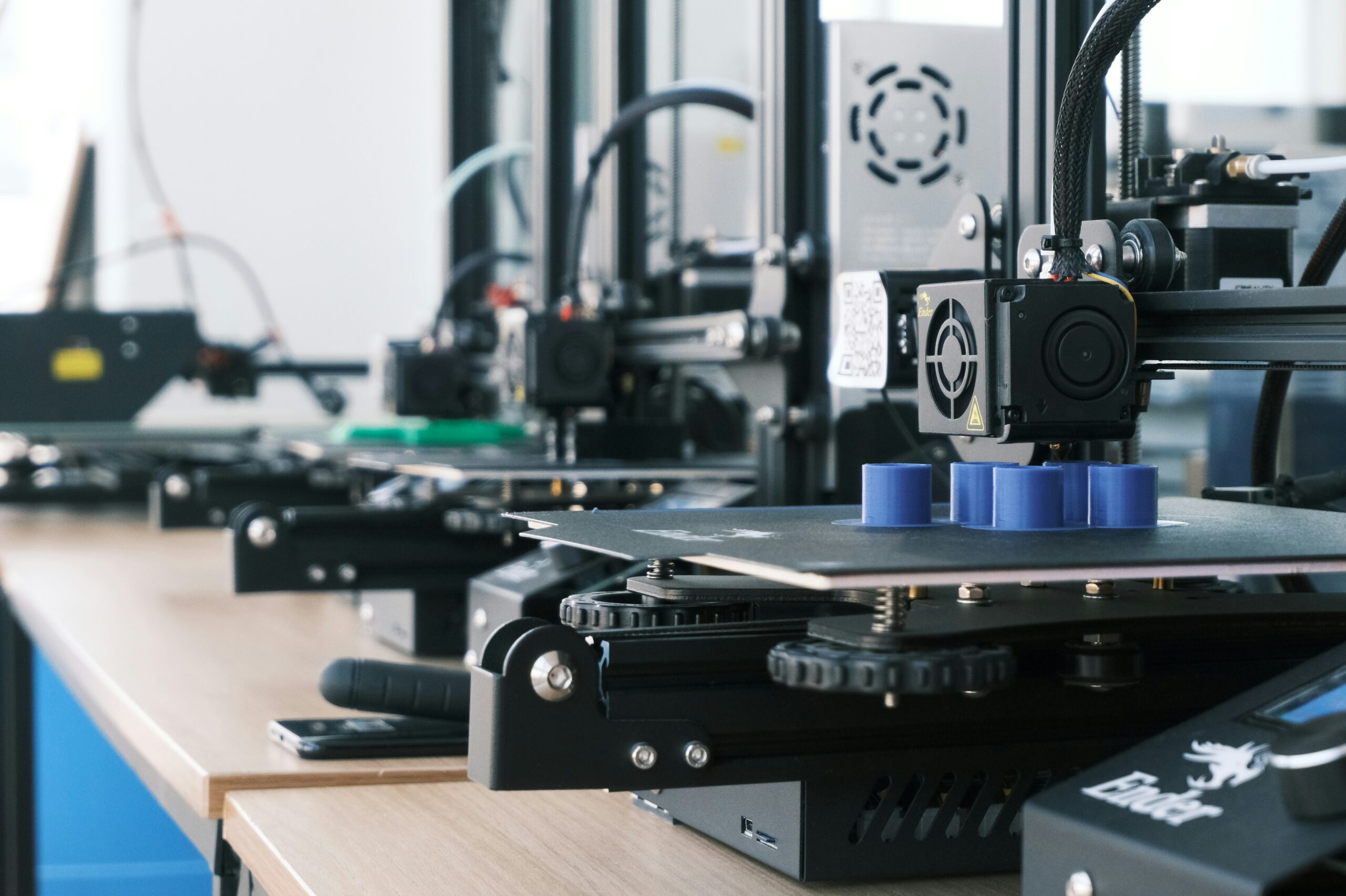
Today in Technology class, my cohort had the honor of touring the School District #5 Design Lab at Kootenay Orchards Elementary School. We had the opportunity to meet Ryan Mackenzie, who has been working with the Transformative Learning Team for approximately 10 years. Many of the gadgets we learned about are super intriguing and high-tech, but we were also introduced to several low-tech items.
What is the Design Lab?
Well, the Transformative Learning Team aren’t IT members, but their own group, who needed a central space to do their work, which henceforth became the Design Lab. There are two Design Labs in SD#5, the one we visited with our class, and one situated in Fernie as well. The design lab is what Ryan called a Maker Space, which basically means it’s a space for people to use tools, learn new things, and make starter projects, working with students K-12. It is also designed to support accessible and inclusive learning.
Here are some of the tools we got to learn about:
Button Maker
Our class got to experiment with making buttons today, which was so much fun. I have done this in the past, but didn’t really remember how to do it, so having a good refresher was nice. This week on Friday, we will be using these at our Tech and Innovation in Education event at Gordon Terrace. Button Makers are truly so simple and could definitely be something to do with younger and older grades alike!
Cricut
I had actually never heard of these handy little guys before, and they really intrigued me. We were able to use the Cricut to make little paper cutouts to put inside our buttons, and provide some samples for our Innovation event. This was so exciting to experiment with, and there are lots of different ways in which the Cricut could be used outside of simple button making.
Check out this awesome video for some other cool uses for the Cricut!
Chomp Saw
The Chomp Saw, in my opinion, is something that I would absolutely love to use in my future classroom. there have been so many projects that I did in the past involving cardboard, and I remember never being able to accurately cut it with scissors. The Chomp Saw is a tool that WILL NOT CUT A KID’S FINGERS. Yeah. Isn’t that awesome! This tool will cut their cardboard and allow them to create projects without anyone fearing for their fingers.
There was also another fun tool that we discussed in class, and that is Makedo. The design lab has a large bucket full of fun tools, including knives and screws. These tools enhance imagination and can bring 2D cardboard creations to life. This can go with the chomp saw to help make 3D cardboard creations easier and more engaging for students.
3D Printers
I love 3D printers. My friend growing up had a 3D printer, and I was so jealous because anytime she wanted a cool room decoration, she just made it. To be honest, I had never thought about the idea of incorporating 3D printing into the classroom, but after really thinking and having an in-depth discussion about it, I think I know exactly what I may do. Inquiry assignments, or some sort of science experiment, would be great, or even helping students learn about shapes.
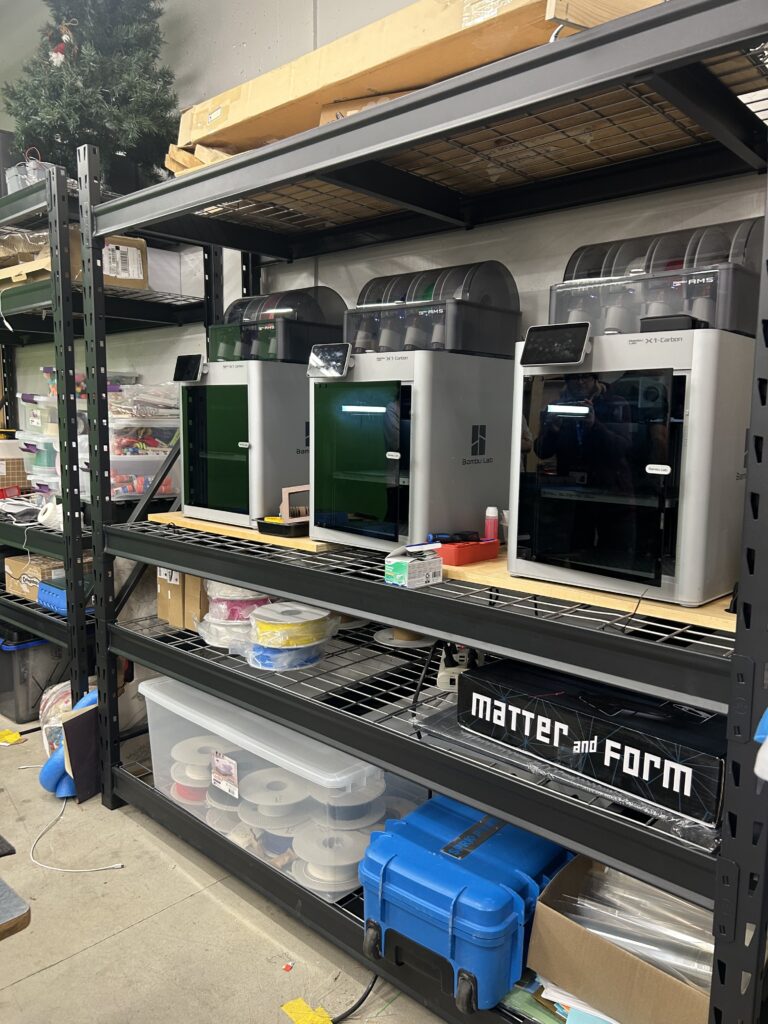
Ryan touched on some other fun tools that are involved in the design lab, such as laser cutters, VR headsets, and even drones! I will definitely be booking some of my future classes in the design lab for my students because all of these sound like such amazing experiences.
Interesting Points
Ryan brought up a word I had actually never heard before: Itinerant. This refers to a person who goes from place to place, and I know that is honestly a bit random, but I get a bit excited every time I learn new words. Back to the point, though, we were provided with a link to scan that directs to SKoot, which is connected to the Design Labs website. This is an AI-powered resource full of lesson ideas that teachers can use to plan purposeful and engaging lessons for their students. It’s a great way to connect classroom learning with hands-on making. I thought it was important to make a point that Ryan mentioned as well: use online tools in your own time and ensure to be cautious with what you use in the classroom. Many websites will ask for student info, and not every website is reliable.
Final Thoughts
This was such an informative presentation by Ryan Mackenzie, and I am so thankful that our teacher, Mrs. Kostiuk, is frequently providing us with opportunities to explore these tools and where to find them. Many of the things we discussed in class today, I am certain, will be an important part of my teaching days, and I am so excited to see what kind of lessons I will be able to do involving the Design Lab.
Sorry, but comments are not enabled on this site.