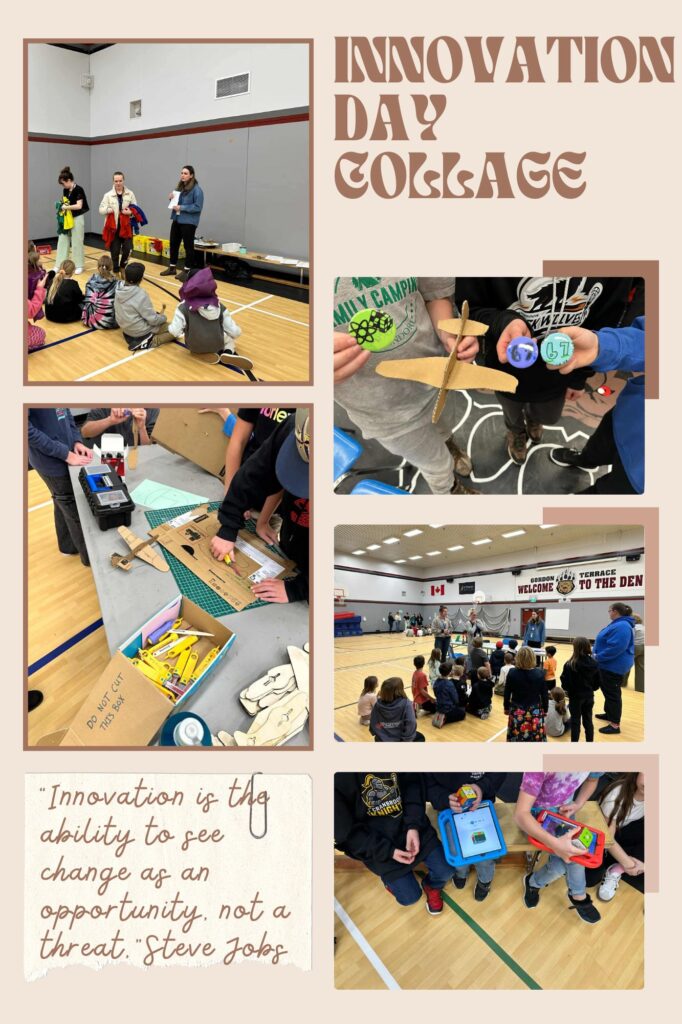
This week, we were honored to help at Innovation Day at Gordon Terrace Elementary. This was an event where three groups of students, grades 5/6, grades 3/4, and grades K/1/2, each got to come into the gym to try out different innovative tech activities. There were 5 stations throughout the gym, and they were each so unique and informative.
Button Making Station
The first station was a button-making station, where each student had the opportunity to customize and create their own buttons. During our previous Tech class, we spent some time creating cutouts they could use in their buttons, and we also provided various markers, colored paper, and Sharpies for them to get creative.
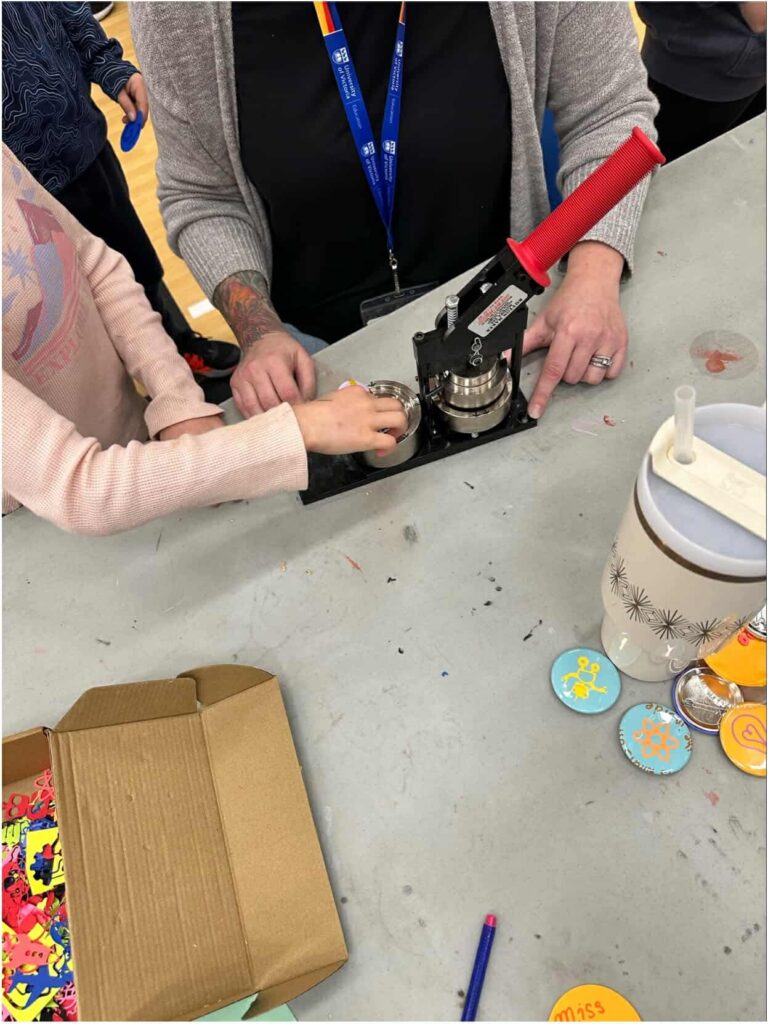
I noticed that when this group was working with the younger age groups, it was a bit difficult to have them fully engaged, and noticed one of the Teacher Candidates in my cohort reading a technology book called “Tek the caveman,” which seemed to keep them more interested.
Go Cube Station
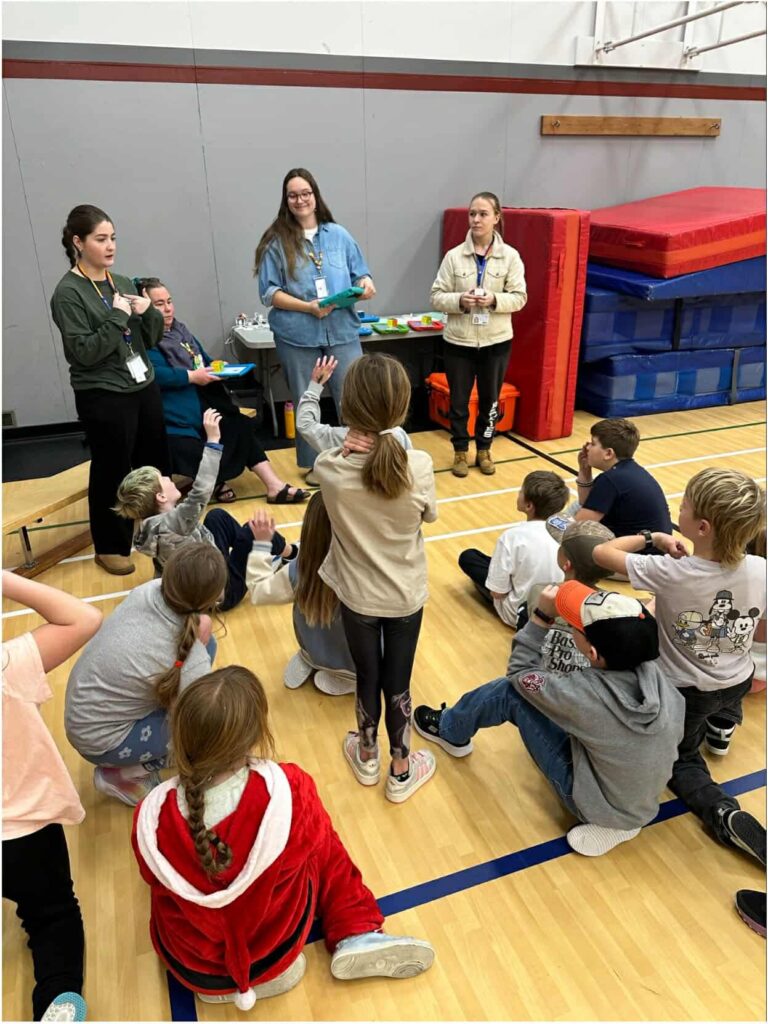
The second station involved children using GoCubes, which are essentially robotic Rubik’s Cubes that connect with bluetooth to the school iPads and provide students with instructions on how to solve the cube. I was actually able to spend some time working at this station with the Grade 2/3 group, and multiple kids had told me it was their favorite station. Some kids struggled to use the GoCubes correctly because they had to hold the GoCube a certain way while solving (with the white logo facing up, and the green square in the middle facing your body while you solve). When we had a break between groups, I actually spent some time playing games and solving them, which was a lot of fun. So I don’t blame the kiddos for finding it so entertaining.
Microbit Watch Station
The third station involved using Microbit smart watches to guess the actions kids were doing with their bodies. In groups of two, kids would get a Microbit watch and marker, and then try to get a series of symbols on their watches based on their actions. There was a little checklist of symbols for the kids to get, and they also had a poster to show them some actions they could do, including clapping, fist bumping, and jumping jacks. One partner would do the actions, while the other partner documented the symbols on the watch. This station was a lot of fun, even for me, but I think I mainly enjoyed watching all the funny movements kids would do in order to get the right symbols.
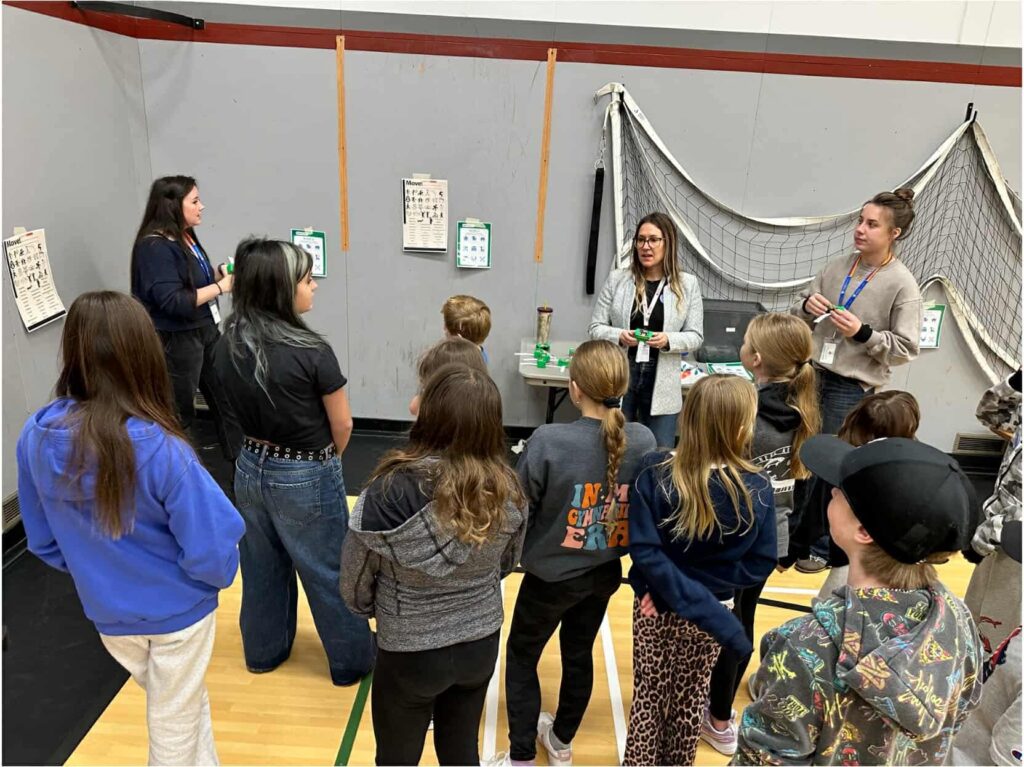
For younger groups, instead of telling them that each symbol matched a specific action, we just told them that if they do an action, a symbol will pop up, and if they try a bunch of different actions, they might get different symbols on their watches. It was easier to simply tell them to try every action they could, and try to find every symbol on the checklist.
Chomp Saw Station
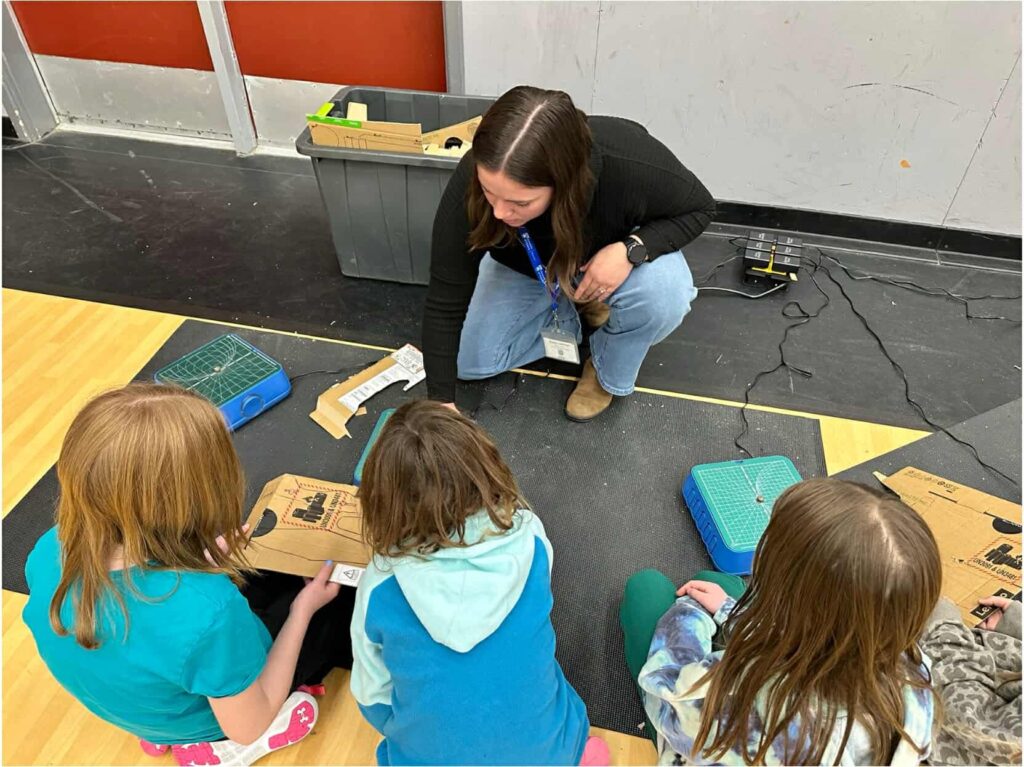
The fourth station involved the Chomp Saw, which our class learned about previously. The kids were using the chomp saw to cut cardboard into shapes to create their own cardboard airplane. I noticed so many kids playing with their airplanes and they seemed to really enjoy this station.
Unplugged Groups Station
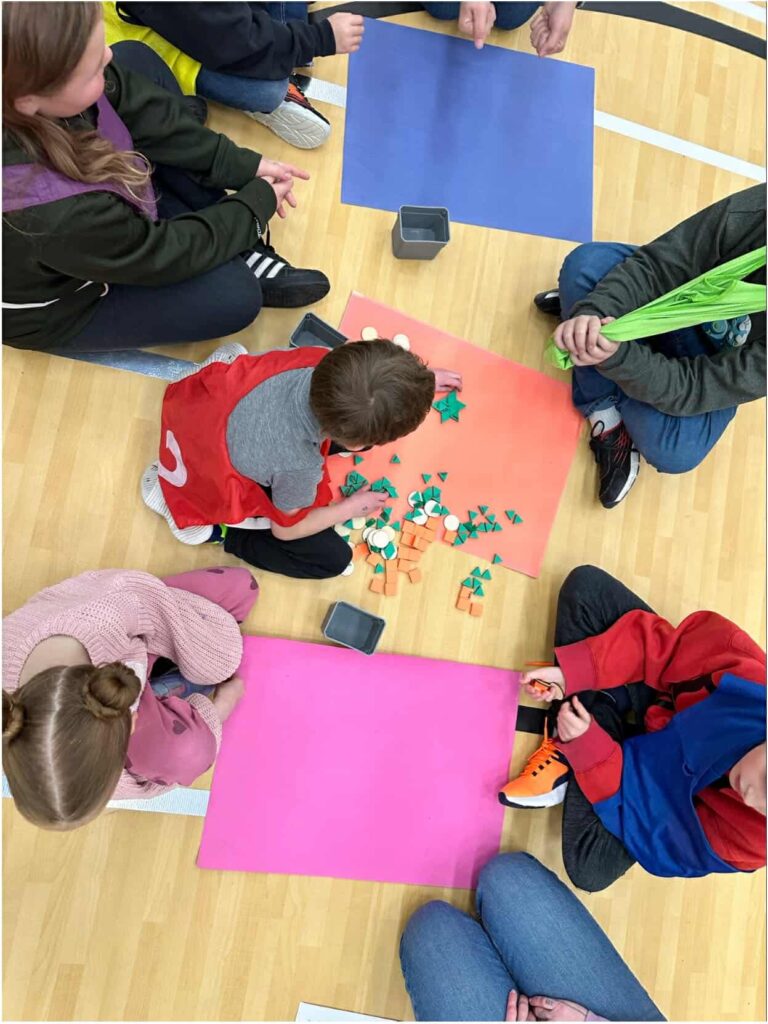
The fifth station was unplugged, meaning it did not have electronic devices, but promoted more hands-on learning. In this station, students were divided into groups A, B, and C, and each was given separate tasks. Student A had to draw a picture on a whiteboard to give to student B (we gave out sample photos, and they either drew a Cat, a car, or a house). Once student B received the drawing, they had to pick out 3-4 shapes to try and make that drawing (we gave them circles, triangles, and squares). Once student B finished creating their shape, they brought it to student C, who could verify if they used the correct shapes to create that specific design; to build the cat, they needed a circle and two triangles, for example. If that group successfully made the right shape, they got part of a code, and could start again, making the other two shapes to get the full code. The code word changed for each group, and grades 5/6 had the code Innovation, grades 3/4 had the code Computer, and the youngest group’s code was Code.
Biggest Takeaway
My biggest takeaway from this day was simply how much we had to alter things and how important communication can be to keep things running smoothly. Kids would give us ideas and let us know things we could do to make the activities more engaging for them. It was all about trial and error, and everyone in my tech class was able to try out at least two different stations so they could explore and learn more about each of the stations. The most important thing about these sorts of activities is planning as best as you can and rolling with the punches, altering things as you go along.
Sorry, but comments are not enabled on this site.